
01 · STARTYou pick the folderEvery photo from the session. JPEG, PNG and RAW.
Every surfer in their own folder before the boardshorts dry.
Drop in a session. Get back one named folder per surfer, in minutes.
Unsorted morning shooting752 photos
Minutes later10 folders
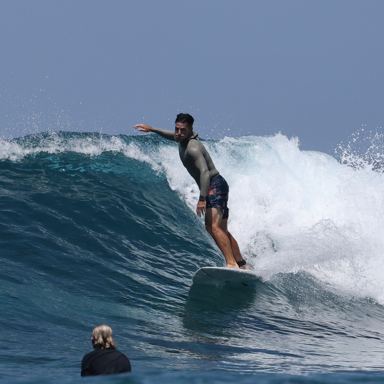
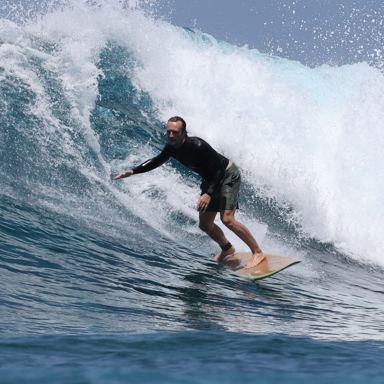
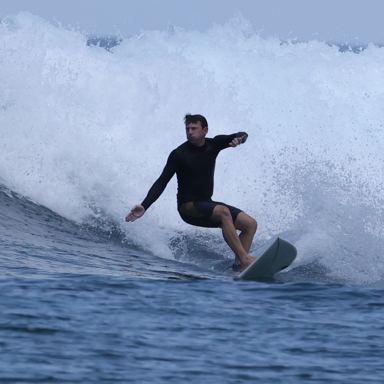
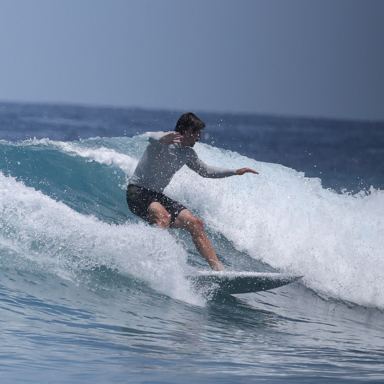
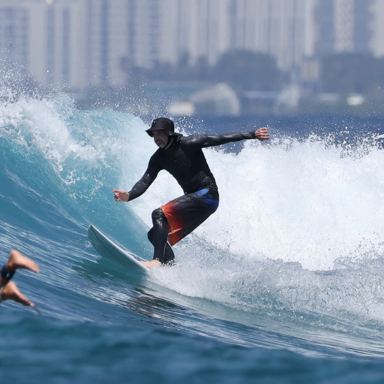
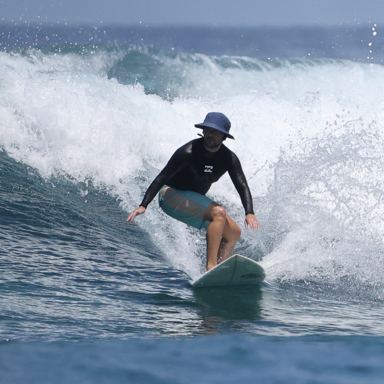
How it works
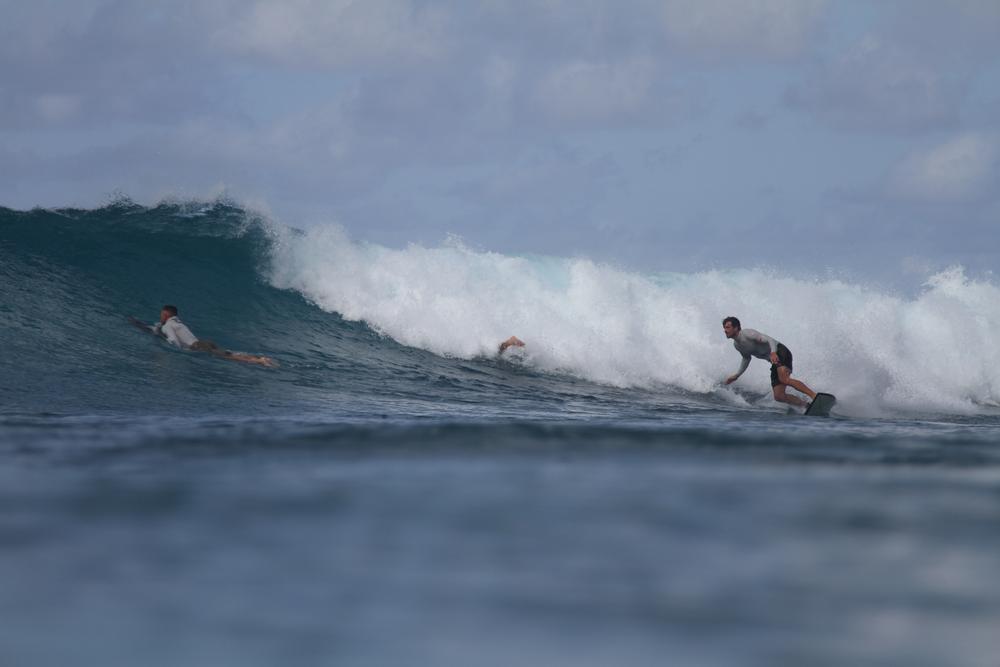
02 · LOOKIt finds the peopleSurfSort checks every photo.
03 · GROUPIt groups by surferSame surfer, same pile.
 Who is this?
DamiàPepRosie+ new
04 · ASKIt asks when unsureA few quick taps from you.
 Robbie41Damià34
Approve & file↵
05 · DONEYou approveEach surfer gets their own folder.
Pricing
$20 a month. First 3 sessions free.
$20/month
- One folder per surfer
- Works with no wifi
- No photo limit, ever
- AI on 3,000 photos a month
On its own, your Mac gets about 93% of photos into the right folder. The AI takes it to about 99% — the difference between fixing a few waves by hand and fixing almost none.
Want the AI on more?
- Weekends — 10,000 AI photos a month, $39/month
- Full-time — 25,000 AI photos a month, $69/month
- Two cameras — 50,000 AI photos a month, $119/month
- Camp — 100,000 AI photos a month, $199/month
- Volume — 200,000 AI photos a month, $349/month
macOS 14+ · Apple siliconCancel any time
Questions
What does SurfSort do?
SurfSort sorts a surf session's photos into one folder per surfer. You point it at the folder that came off your card. It looks at every photo, groups the shots of the same person together, asks you a few questions when it is unsure, and then moves each photo into a folder named after that surfer. A session usually takes minutes.
What kind of Mac do I need?
A Mac with Apple silicon (M1 or newer) running macOS 14 or later. There is no Windows version and no web version.
Do my photos leave my Mac?
No. Your photos are read and sorted on your own computer. To work out who is who, SurfSort sends small cropped pictures of people, and the first names you have typed, to Anthropic's Claude models through a relay we run. It never sends whole photos, file names, folder paths, EXIF data, GPS coordinates or timestamps.
Which photo files can it read?
JPEG, PNG, and RAW from Canon, Nikon, Sony, Fujifilm, Olympus, Panasonic, Pentax, Leica and Adobe DNG. If you shoot RAW and JPEG at the same time, the pair is one photo: both files go to the same surfer, and it counts once against your plan. Other files in the folder are left exactly where they are, untouched.
How accurate is it?
Good enough to hand you your evening back. On the sessions we measured while building SurfSort, it put 81–96% of a session's photos in the right folder entirely on its own — and answering a handful of its questions took that to 99–100%. Those are measurements on our own photos rather than a promise about yours, and it will get someone wrong now and then, so have a look before you delete anything. That look takes a minute. The sorting it replaces took the rest of the night.
What does SurfSort cost?
$20 a month. First 3 sessions free. That is one folder per surfer, no photo limit ever, and it works with no wifi — sorting happens on your Mac and never asks the internet for permission. The AI is the part you meter: $20 includes 3,000 AI photos a month, and the steps above it go 10,000 for $39, 25,000 for $69, 50,000 for $119, 100,000 for $199, 200,000 for $349. A free session hands the AI up to 3,000 photos — point SurfSort at a bigger folder with the AI on and it tells you before anything starts, and you keep the session. Above 200,000 a month, write to us. A year costs 10 months. You can cancel any time.
What happens when two surfers share one wave?
The photo goes to both of them. SurfSort moves it into the first surfer's folder and puts a copy in every other rider's folder, so neither person is missing a shot they were in.
Can I undo a sort?
Yes. SurfSort writes down every move it makes, and one click puts every photo back where it came from. Nothing is ever deleted or edited — files are only moved.